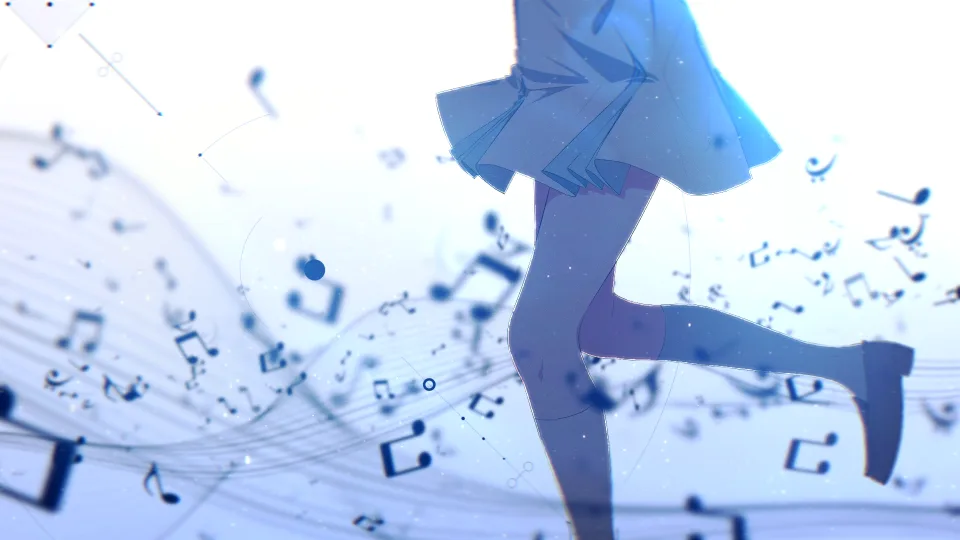
Motion Typography
BOW AND ARROW - Motion Graphics
Opening
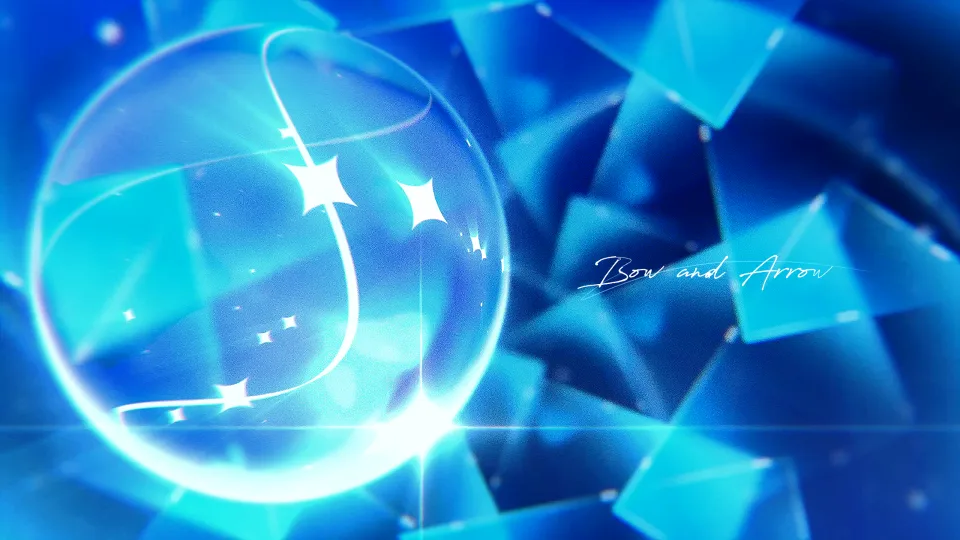
Here’s my second behind-the-scenes post!
I originally planned to write about my next piece once it was finished, but other work piled up in the meantime, and being in the military made it hard to find the time. So this time, I decided to write about a piece I made earlier.
The video in this post is a motion graphics piece based on the song “BOW AND ARROW,” which I officially posted during my military service.
The video itself is short, but it took me the longest of anything I’ve made and holds a special meaning for me, so this was the one video I really wanted to write about.
I hope you enjoy this one too!
• Production time: 3 weeks, excluding ideation (2 hours a day)
• Tools: Alight Motion (iPad Pro 12.9 / M2 / RAM 8GB)
How it started
I was completely hooked on a manga called “Medalist.”
I first learned about it through an AMV made by Nanatsuki, a video artist I’ve long admired, and when I heard it was getting an anime adaptation, I got curious and started reading the manga.
(Even now it’s an unbelievably amazing piece, so please give it a watch…)
I got so into the opening song that I listened to it on repeat almost every day, and I started to really want to make something based on it.
At first I planned to make it as an AMV, but working on the “一生の片思い” AMV before this made me feel that Alight Motion is better suited to motion graphics, so this time I decided to take on a new challenge in motion graphics.
Planning
I feel the core theme of the song “BOW AND ARROW” is “teacher and student.”
米津玄師 Kenshi Yonezu - BOW AND ARROW
I took it as a song that compares the bow to the teacher and the arrow to the student, carrying the teacher’s wish for the student to shine even brighter.
To be honest, when I thought back, during my military life, to the days before I enlisted when I taught students, I felt so inexperienced that it embarrassed me.
During my time in the military, I was caught up in despair that I would keep falling behind, and compared with the characters in the manga, who never stop working hard, I felt pathetic for just retreating into negative thoughts and doing nothing.
In a way, this manga and this song were precious works that helped me get back on my feet and broadened my view.
That’s why,
for the students, I wanted to put in the wish that they believe “I can shine brighter than anyone” and show off their charm with confidence on the big stage.
And for myself, the teacher, I wanted to put in the resolve that “even at this very moment, I must not neglect practice and effort.”
I also wanted to express in the video the elegant, beautiful charm that figure skating has within its cold sharpness.
When I listened to the song, so many ideas and shots came to mind, but honestly, since it had been a long time since I had made a motion graphics piece, all I had was a vague worry about how far I could actually go.
So I started by freely writing down the keywords I felt at the time, and decided to express each of them in the video one by one.

Process #1: The first visual style frame
The first important thing was, of course, locking in the visuals.
At first I just made something like a doodle in my spare time without much thought, and even looking at it now, I have no idea what I was trying to make…
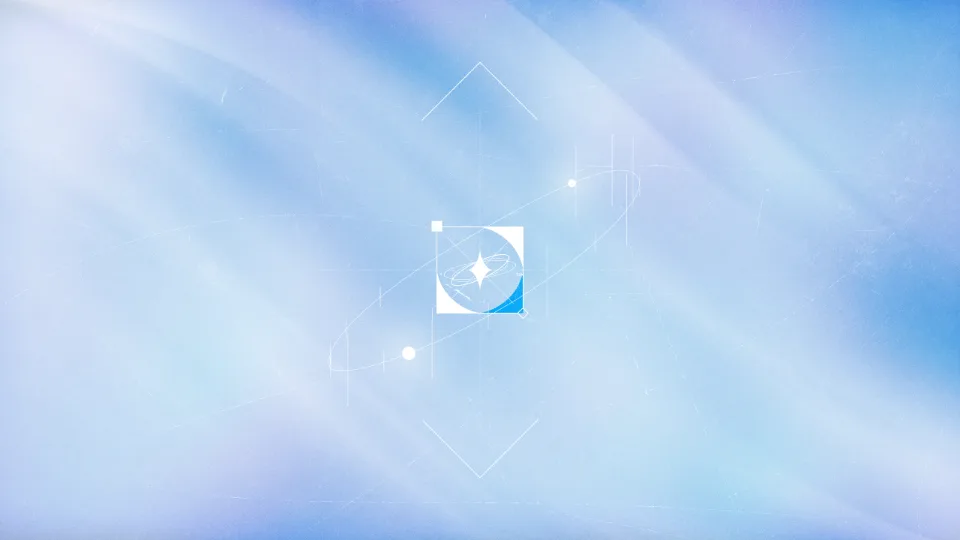
I thought, “Working this vaguely isn’t going to cut it,” so I rethought the direction and got to work.
The first thing I came up with was showing the student growing, creating a flow of “moving toward a brighter place.” For that, I chose a dark space like the deep sea for the background and decided to express the growing student as “a beautiful bead that shines purely.”
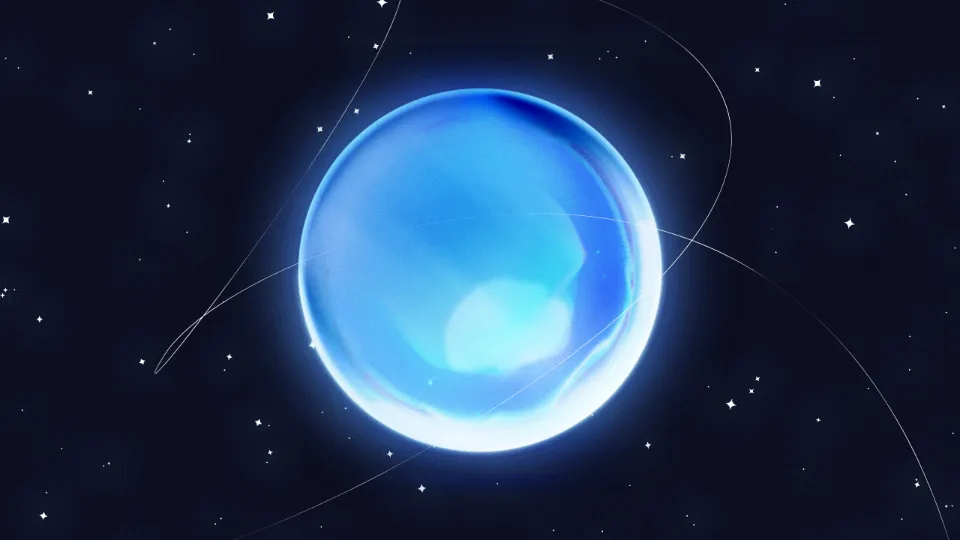

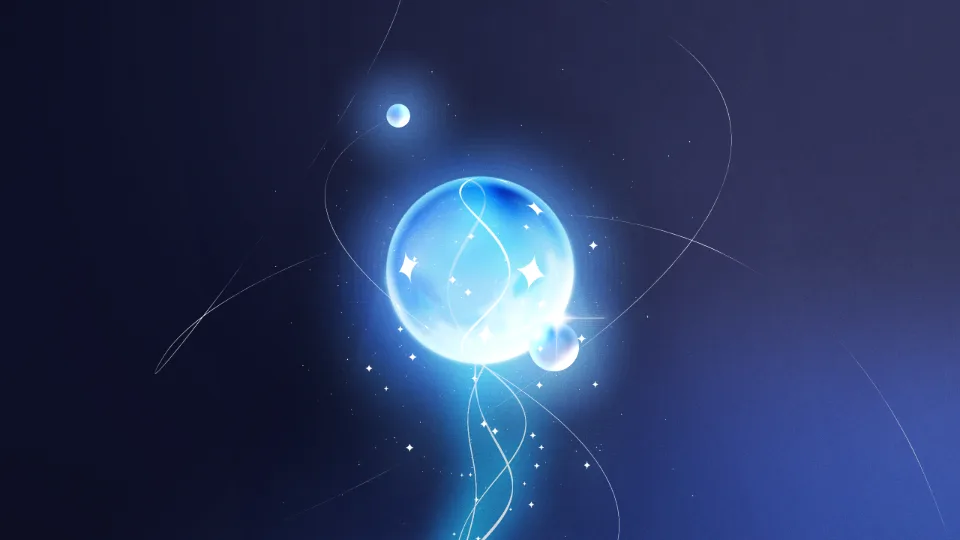
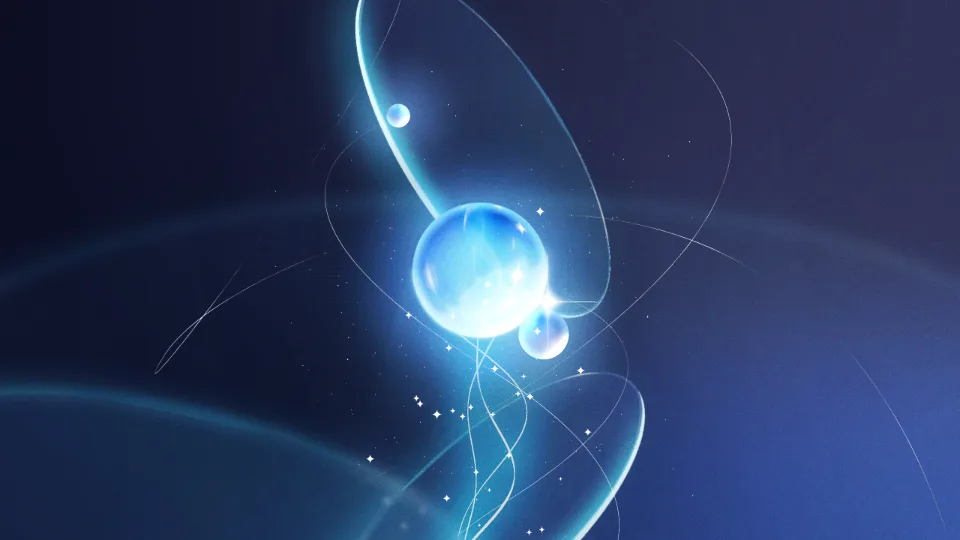
Making a beautiful bead in Alight Motion was really hard at first.

I couldn’t use the methods I often used in After Effects, so what mattered was making it look “convincing” somehow. Effects like Smooth Bevel, Gradient Overlay and Inner Glow helped a lot.
For the lines and stars inside the bead, I used “Spherize,” which is similar to After Effects’ “CC Sphere.”
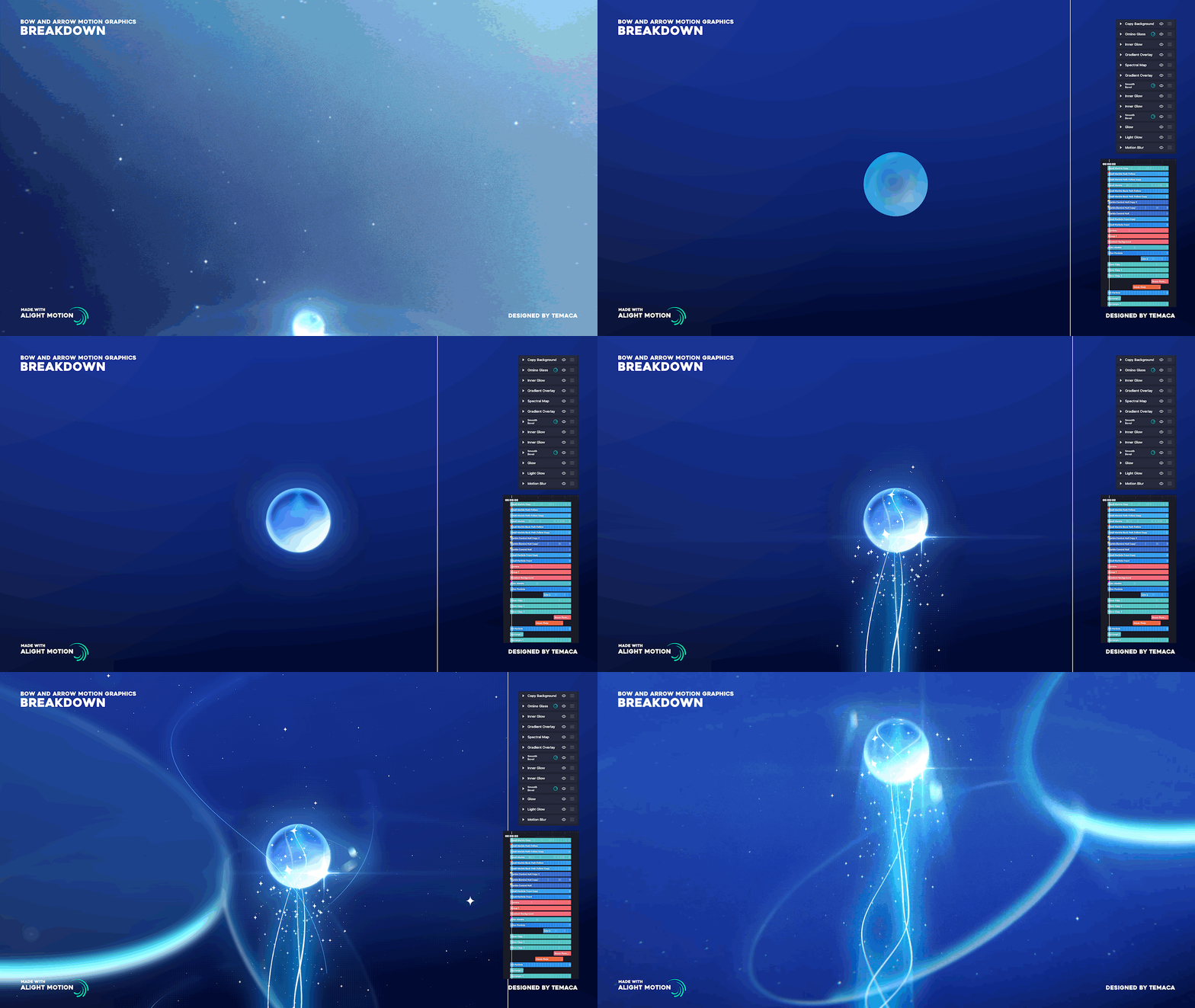
Looking back, there may have been an easier, different way (like using trkmat), but the visuals turned out reasonably well, so I’m relieved for now.
Process #2: The spinning disc scene
Suddenly, an idea flashed into my head.
The key point was the “spin.”
The goal was to express “a ball launched upward as the spin speeds it up” = “moving forward through effort.”
So I wanted to create a shot where, on the stage of an overwhelmingly large disc (the ice), something rotates clockwise like the hand of a clock, gradually speeding up, until the centrifugal force launches it upward.
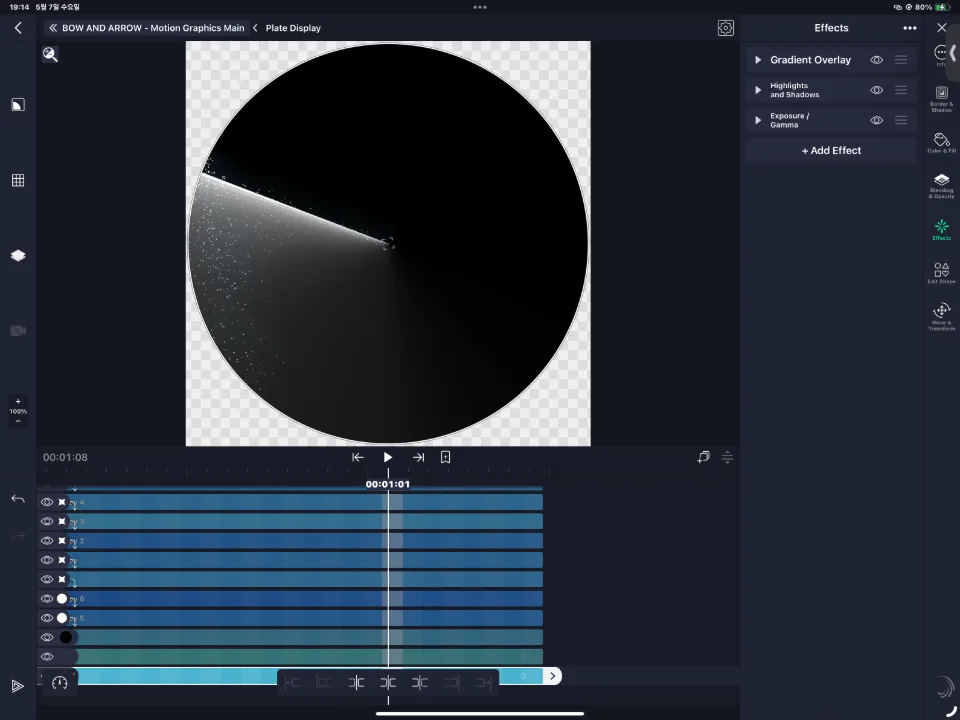
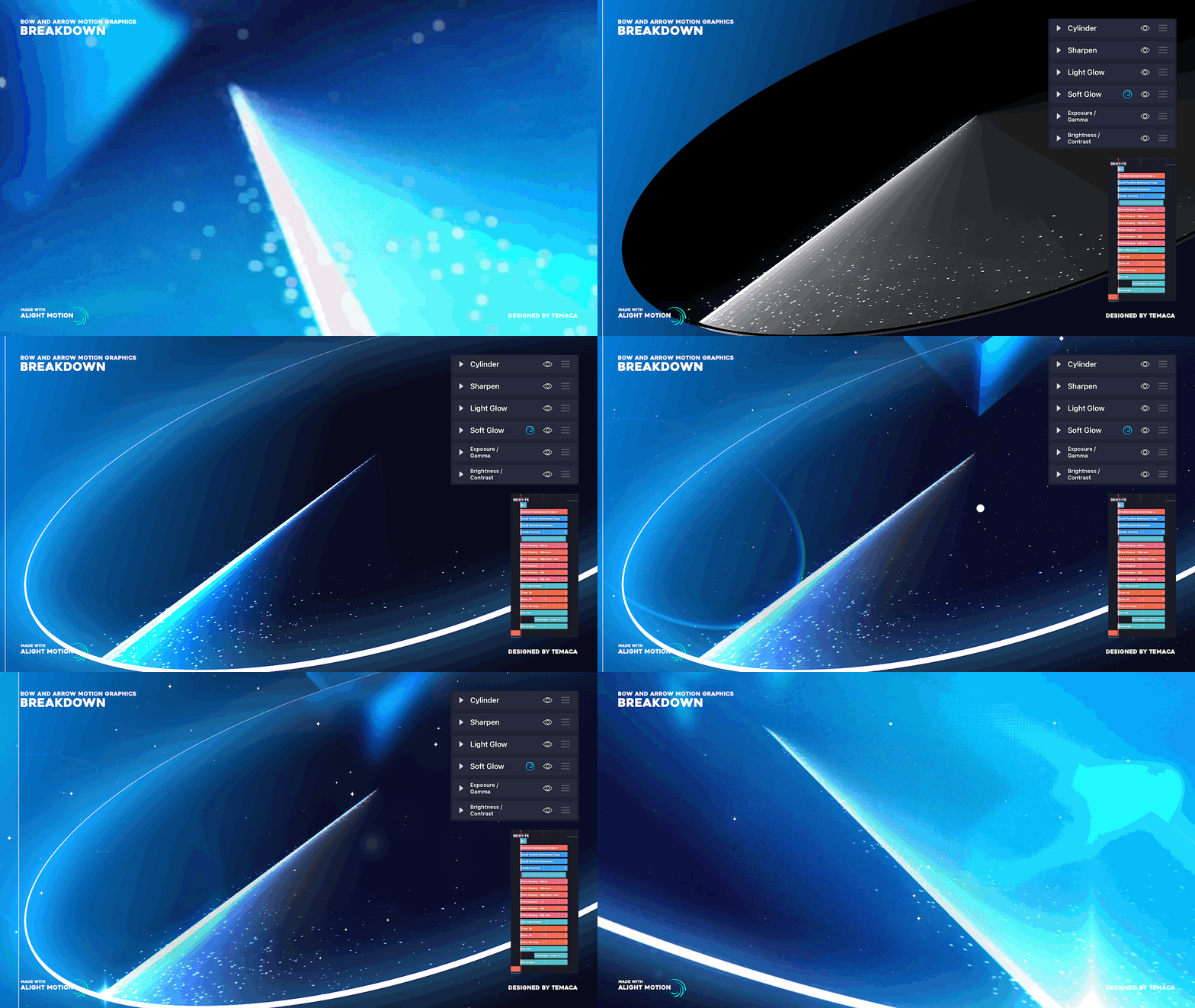
First, I made a rotating line on the disc and grouped the whole thing.
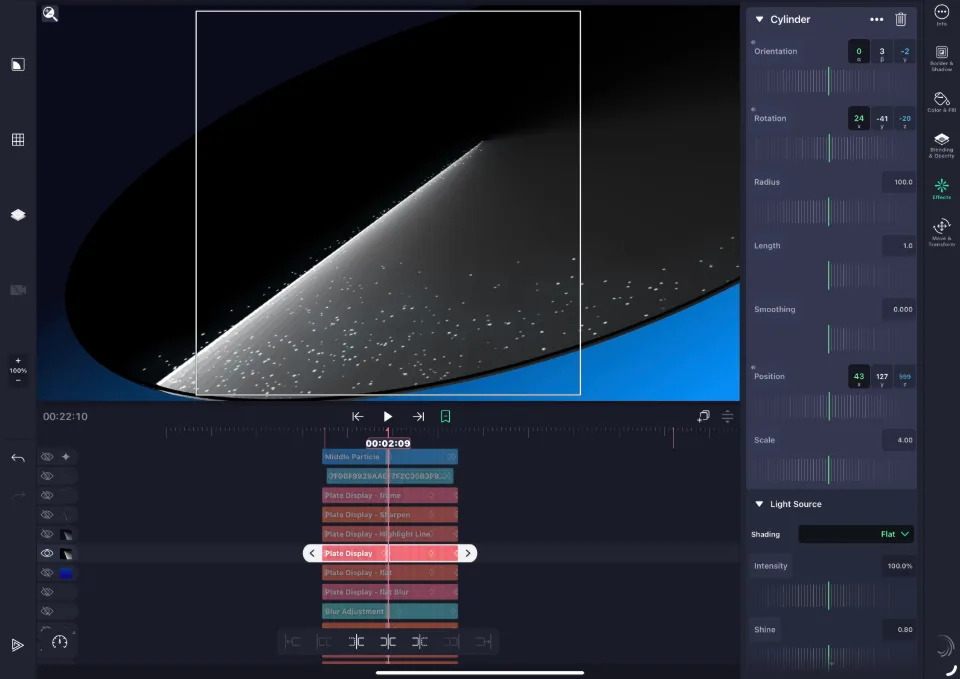
Then I used the 3D “Cylinder” effect to turn it into a thin disc.
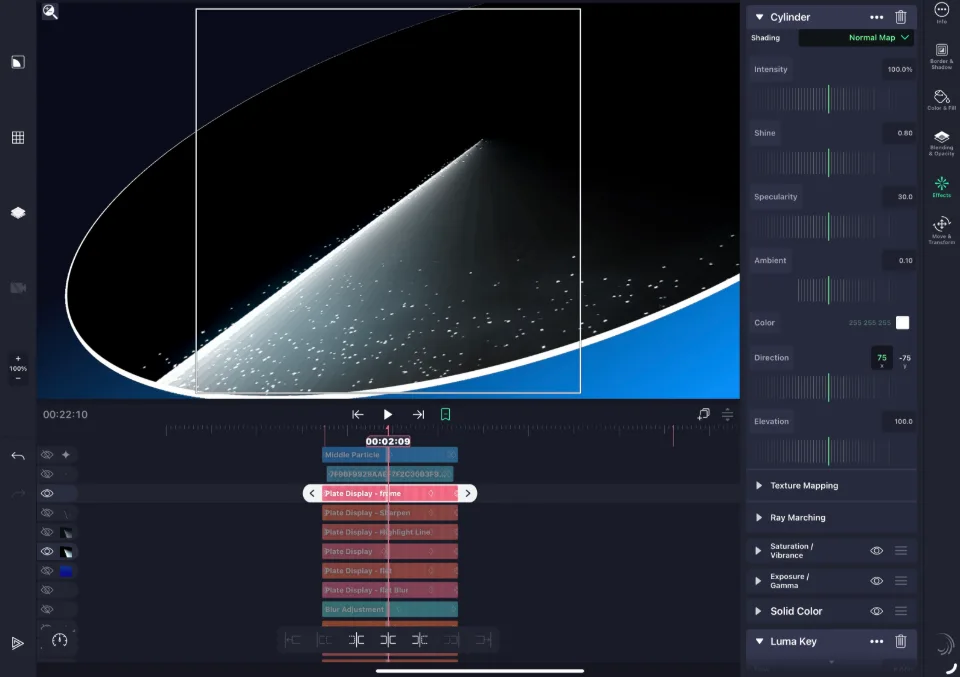
To cover the side, I duplicated the Cylinder layer, changed Shading to “Normal Map,” adjusted the contrast, and used a Luma Key effect so that only the side remained.

I finished the scene by improving the visuals and colors and adding a rotation that gradually speeds up, plus movement of the 3D object.
When I posted it, someone asked me by DM, “How did you add this camera motion in Alight Motion?”
Actually, I didn’t use a single camera layer in this project.
I’ve mentioned Alight Motion’s camera layer on X (Twitter) a few times, but it’s really… hard to use. The principle is the same as in After Effects, but zooming in or out causes display glitches in layers, the camera is forcibly applied to every layer, and the problems pile up.
The main reason I don’t use it is that Rotation only works on the Z axis.
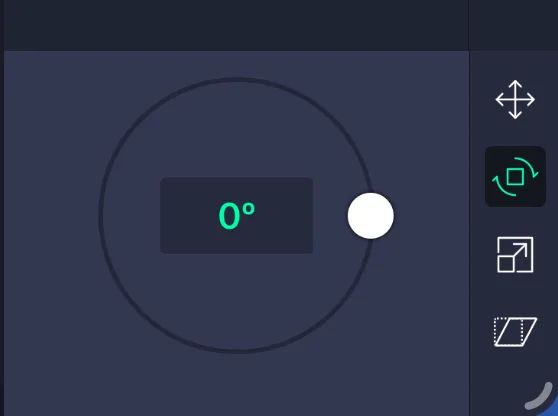
I use X- and Y-axis rotation a lot, since it makes a video more varied and dynamic and, depending on the shot, can maximize the sense of space.
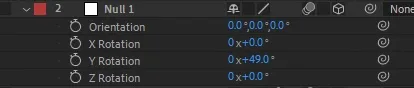
In After Effects, once you make a layer 3D you can rotate it on all of the X, Y and Z axes, but in this app you basically only get the Z axis, and on top of the camera’s own problems, arranging layers in space is full of glitches…
So, to make it look “as if” the camera were moving, I added motion to every object instead. (Which is why it looks a little unnatural…)
Luckily, though, “effects that make a layer 3D” like Cylinder and Flip let you rotate how the layer itself looks on the X and Y axes, so I made use of that.
But even this still didn’t give enough of a “sense of rotation.”
My first idea was a skate blade carving the ice as it spins, but that just looks like a simple rotation. So I wanted to add a sparkle to the outer edge of the circle, tracing the rim of the whole disc like a “trail.”
It turned out there was no way to add Bezier curves to a motion path.
I assumed it would obviously be possible, but after looking into it, it really wasn’t.
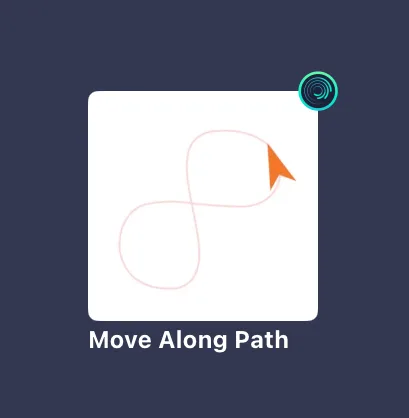
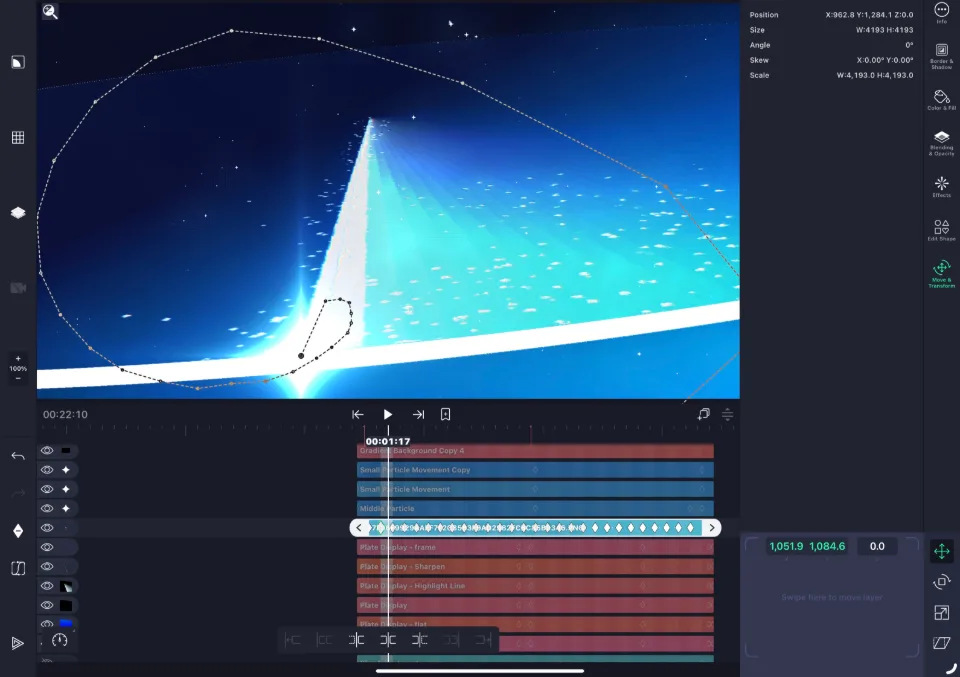
The only way to give something a curved movement is to make it follow a specified path with “Move along path,” but the disc here isn’t a path, and it turned out this effect couldn’t be applied to a 3D object spinning wildly on the X, Y and Z axes.
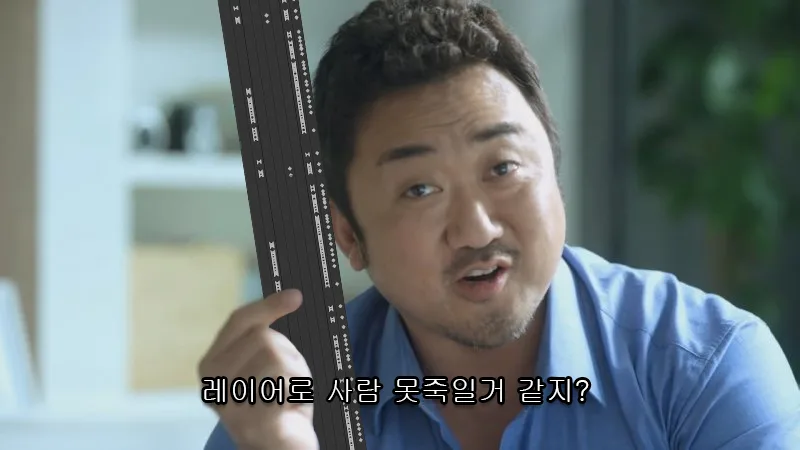
In the end, I solved it the brute-force way, adjusting and placing the position frame by frame.
Process #3: Planning the flow
At first I couldn’t get a feel for the overall flow, so I prioritized expressing the key scenes first.
Then the scenes before and after gradually came to mind, and the timeline puzzle in my head started fitting together. I set one theme for each key scene and organized them like this.
#1 : (Intro) Teaching and learning
#2 : Realization - acceleration
#3: Trials and effort - growth
#4 : Shining brighter than anyone, somewhere higher
#5 : (Outro) The cycle of “teaching”
I considered the beginning and the end the most important of all.
After all, the teacher must have learned through “someone” too, and the student learns from that teacher.
Someday that student will pass on what they have learned to their own students, and it carries on across generations. I found this cycle beautiful, and it felt strange, because I had surely gone through it myself without ever really being aware of it.
I made up my mind to express this “cycle” in the video, within the song’s theme of “teacher and student,” and got to work.
Process #4: The teaching / learning scene
To express the teacher’s teaching, I thought that showing the beautiful curved lines of skating first would intuitively convey the background of the song and the manga.
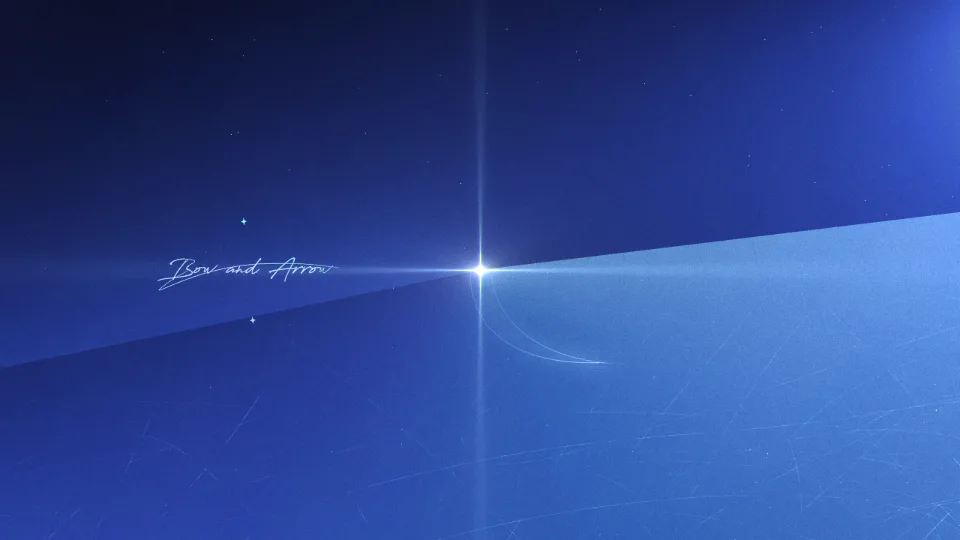
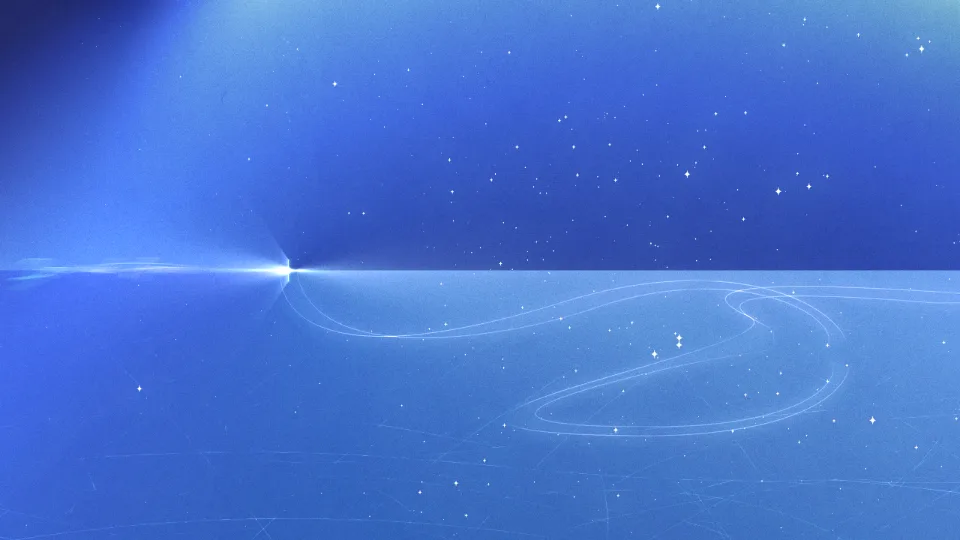
First I drew the skating path with Path, then copied the line and added variations with the “Turbulent Displace” effect.
Varying the line thickness was the most important part of showing skate marks, but strangely, in Alight Motion, when I tried to make a line as thin as possible, it would either disappear or get thicker, nothing in between. So I solved it with the “Roughen Edges” effect.
As for the scratch texture on the floor, I worked hard to draw it in Photoshop.
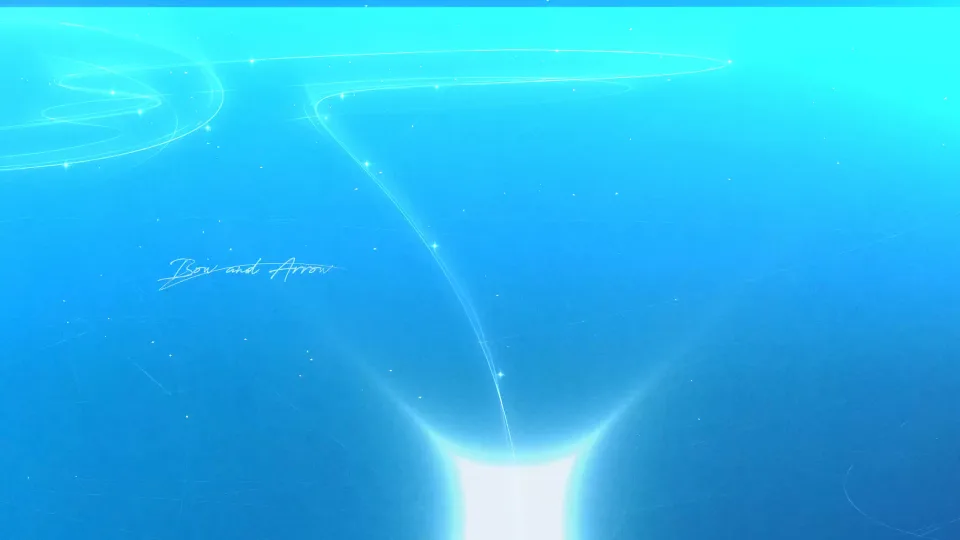

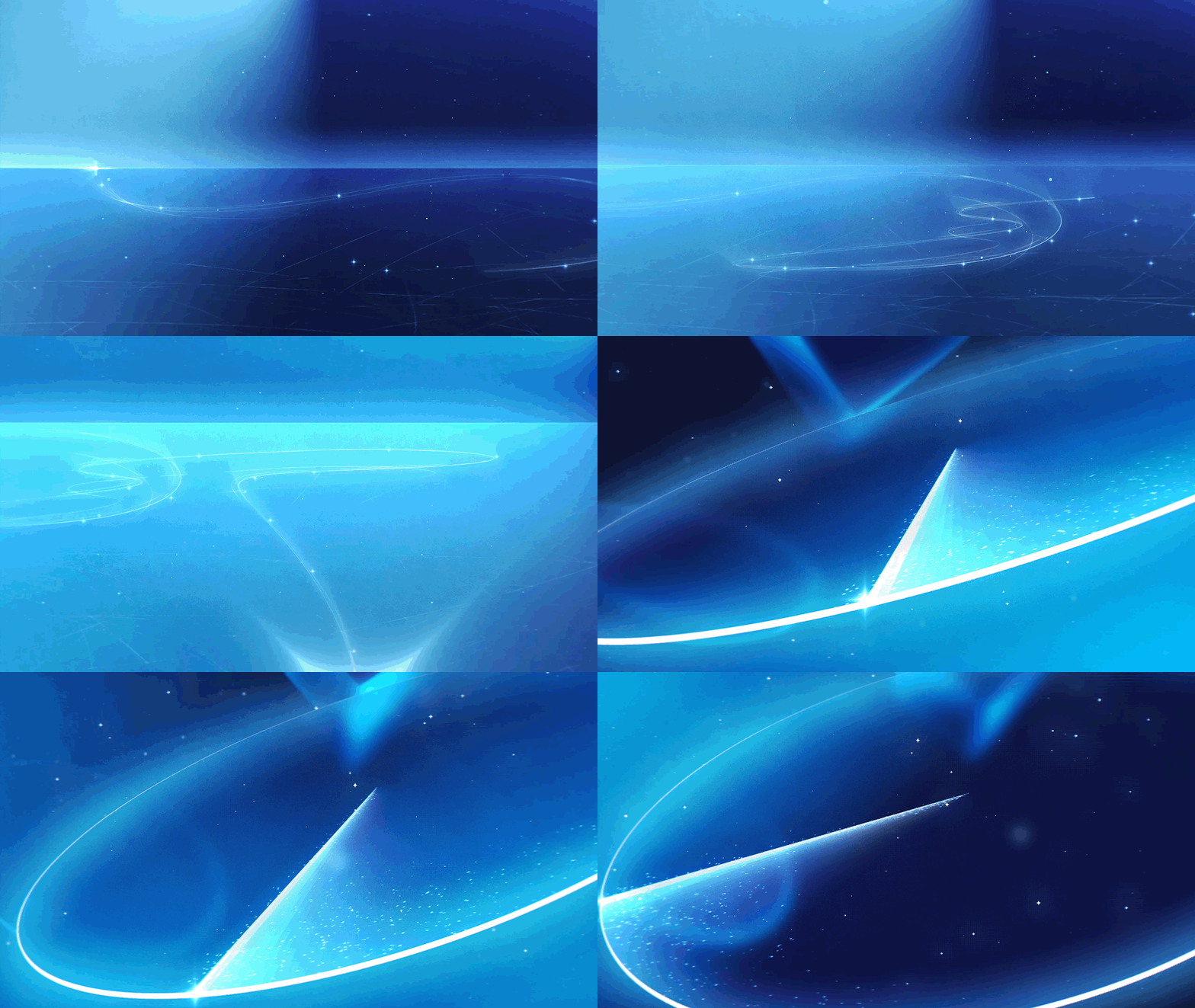
I connected the place the line arrives at with the starting point of the next scene like a match cut, to show the student carrying on the teacher’s teaching.
(Honestly, it felt too short and forced, so I thought about changing it, but I was so worn out by the end that I gave up.)
Looking at it now, I kind of feel the colors were better in the early version…?
The reason I didn’t change them anyway is that I wanted to emphasize “light” to the extreme and make the contrast between the dark and bright parts really clear.
I thought that would better show the flow of growing step by step from zero.
(Though I couldn’t avoid some parts looking overdone…)
Process #5: The growth scene
This part took so much time that it was pure hell…

The reason was the process of making this motion.
As I mentioned earlier, to create curved movement, you have to make a path with the “Move along Path” effect and have things follow it.
But this motion can only be controlled with Progress: 0 to 100%, so I had to create keyframes frame by frame for the part where it hits the disc and bounces off. And since I couldn’t use the camera, I also had to fine-tune the speed of each particle one by one to make it feel like the bead was really flying upward.



Honestly, it’s not difficult; it’s just a matter of adjusting……
But oddly enough, Alight Motion doesn’t let you create keyframes or adjust graphs as precisely as After Effects, and with so many layers in the project it got heavy, so I had to work with previews barely running, which made it really tough.
Process #6: The shining scene
This scene was completely improvised.
Looking back at the scenes I had made so far, I felt many of the layouts and compositions were too simple and not very interesting.
I felt I needed at least one shot that would break the monotony, so I threw out the ordinary ideas I had and decided to trust my gut, making it wherever my hands and head led me.
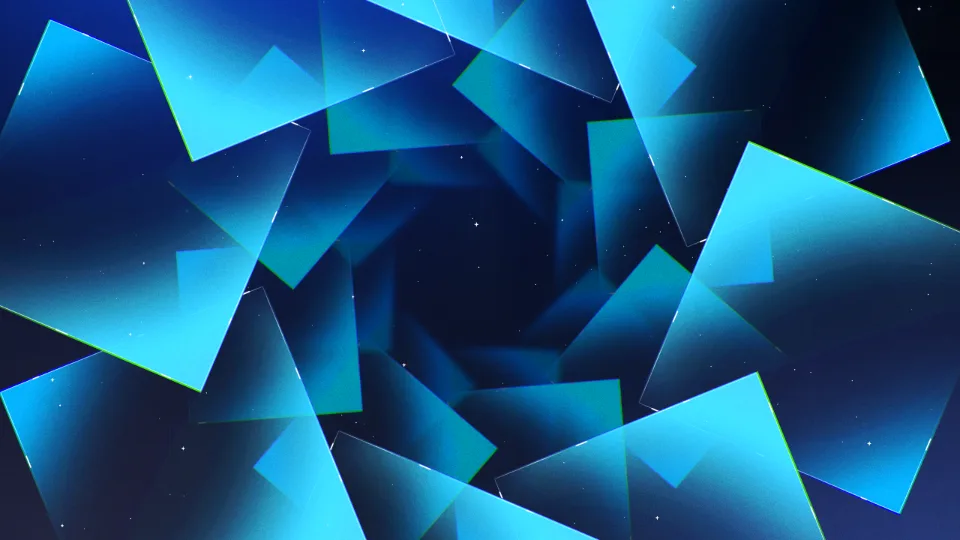
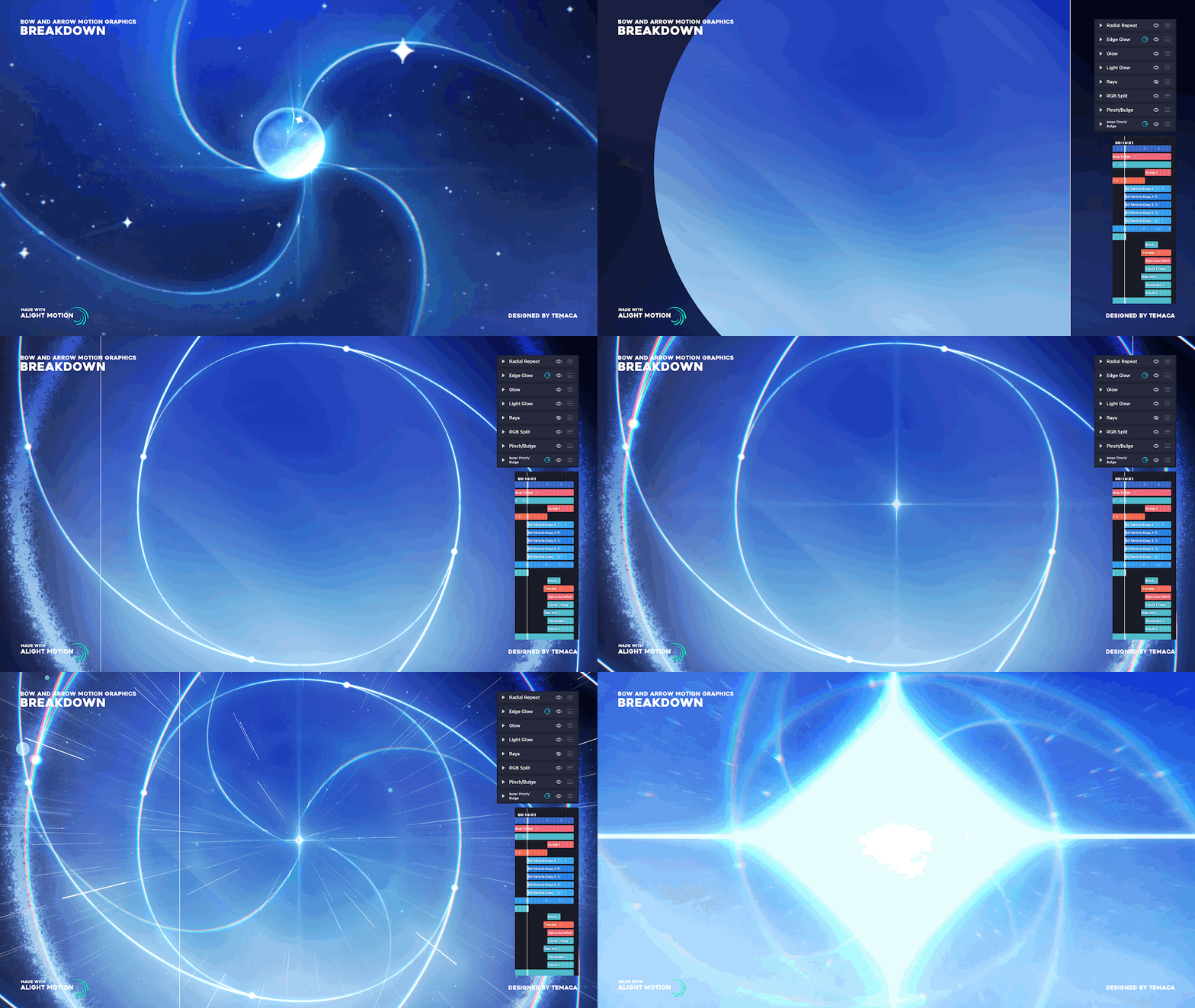
To give the feeling of “moving toward a brighter place,” I thought I needed a space enclosed by something, like a tunnel, as if guiding the way.
I used simple rectangle shapes for the objects.
Since this is the path the most important element, the bead, travels through, I didn’t want the surrounding objects to stand out too much. And since I had kept a geometric style throughout the video, I felt square, plate-like objects would also work best visually to keep the design language consistent.
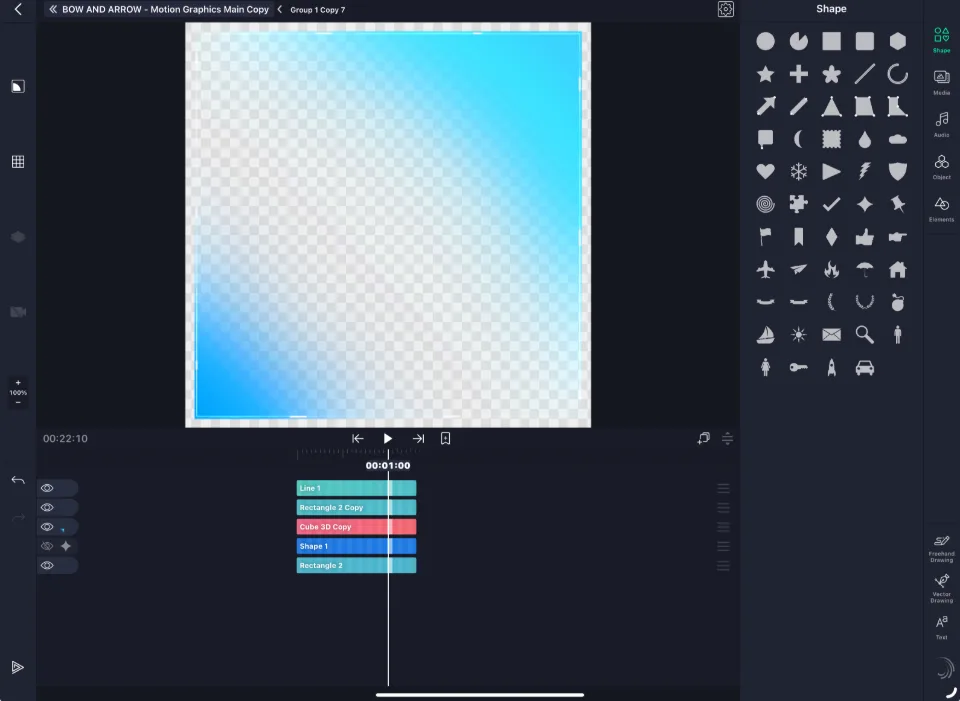
I duplicated these rectangles with the “Radial Repeat” effect and arranged them all around, as if many trials and people were there, watching.
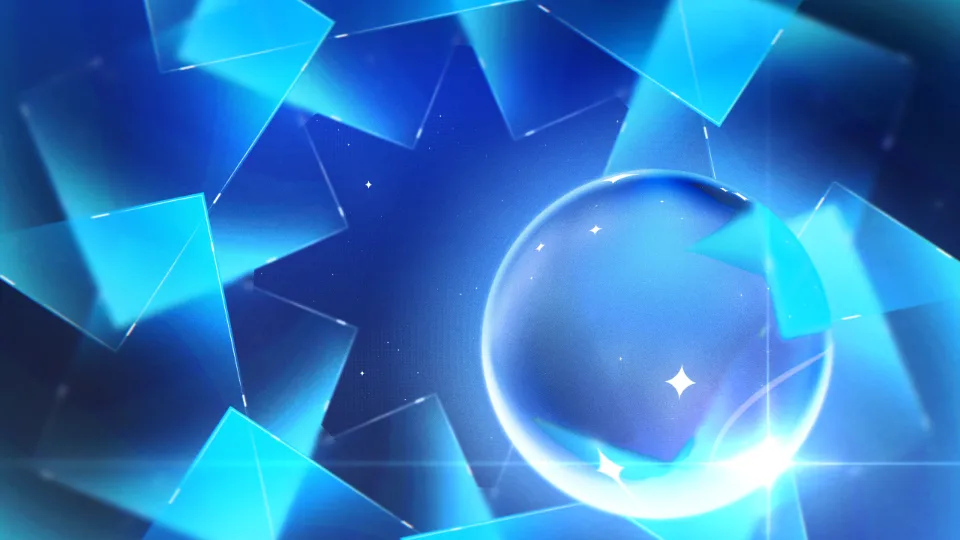
I also wanted to make a motion where the bead enters from off-screen, draws the eye and moves to the center,
but when I first laid it out, it didn’t draw attention enough, and the bead’s presence and power didn’t come across, which felt lacking.

So I made it fill the screen more to emphasize the bead’s entrance and glow. Then I roughed out the scene up to the next forward-moving shot and continued like this.

In particular, I really wanted to include a moment where the ball spins and then briefly stops, timed to a point in the song.
In a way, I think this motion is the most important core of all.
As the stance taken to gain the momentum to push off toward somewhere brighter and higher, I saw this motion as the key point for expressing the student’s nerves, resolve and confidence.
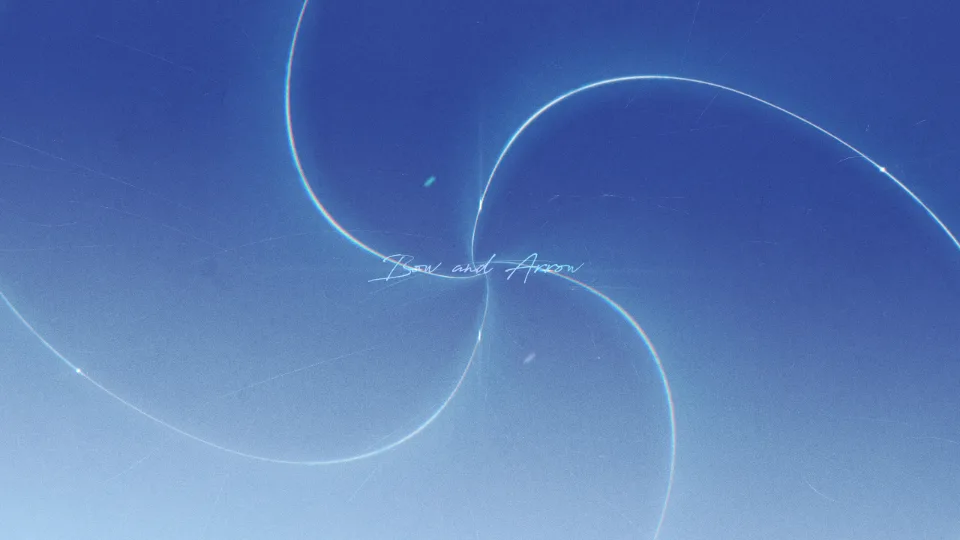
To make the start and end of the video similar in composition and express “the cycle of teaching and learning,” I reused the spiral rotating lines from the intro in the next scene.
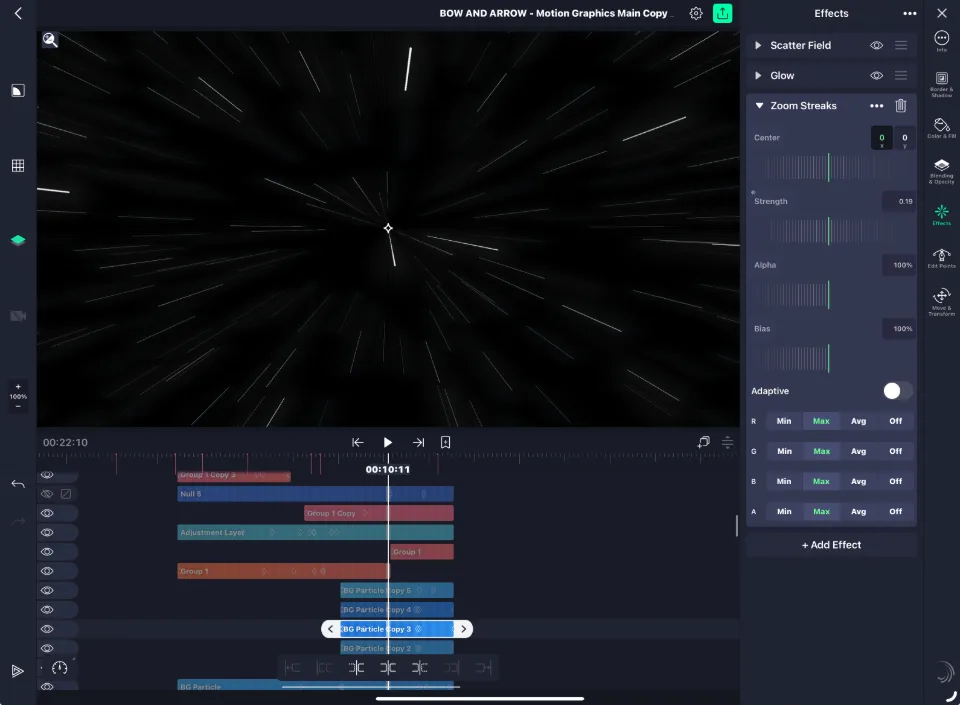
The speed lines at the very end were made by adding a “Zoom Streaks” effect to a particle layer created with “Scatter Field” and adjusting the strength for a faster sense of speed.

Honestly, this scene came from a sudden flash of intuition, and I made it on the spot without planning anything; even now it amazes me.
Every tiny object is placed just right for the song’s beats and the direction, and I think this scene, short as it is, is one of the ones that leave the strongest impression.
Wrapping up…
Looking back at my own video…
I’m getting some déjà vu, but I think the direction in this video is actually pretty simple too…
I haven’t made many pure motion graphics pieces like this, so my instincts are still immature, but looking at it again, I keep wondering, “Did the main object really have to be a sphere?”
Motion graphics pieces use spherical objects a lot, so I can’t deny that I adopted one naturally, without much thought.
Sure enough, after I uploaded this video, someone said, “Why do motion graphics pieces always use a sphere?”, which caught me a little off guard.
Even so, I think of it as a project where I tried everything to see how far Alight Motion could go.
Without this work, the “解けない夏” MV later uploaded to the MAJUK channel wouldn’t have happened either.
【MAJUK】 解けない夏 / Happy Birthday to SEI!!!
I think it’s a piece I built by spending a long time thinking and experimenting: where this app’s limits really are, what problems it has, and what ways there are to solve them.
Actually, there wasn’t much planning. I just kept making it, going
“Can this even work…?”
“It works? Then what about this…?”
“Even this??”
and, driven by curiosity, I experimented and spent my time solving problems, until I ended up with this chaotic, hybrid video.
Even when I play it back myself, I can feel how much I still lack, and I have a long way to go in motion graphics, so I’ll keep learning a lot.
This piece is also a video for the students I taught, and for myself.
The two things I wanted to express in this piece, as I mentioned before:
for the students, the wish that they know they “can shine brighter than anyone,” and show off their charm with confidence when it matters;
and for me, the teacher, the wish to show that even at this very moment I don’t neglect practice and effort.
I wanted to convey those feelings just as they are.
Honestly, my students are now far better than me, have become excellent video artists, and are letting their own charm shine.
But I’ve also often seen them compare themselves with others, lose confidence and struggle.
That’s why I wanted to send a message of encouragement to my students, and to all artists who keep growing: you really can shine brighter, so be confident.
The same goes for me.
I believe there’s no hierarchy between teaching and learning.
I know I’m still inexperienced and not much of an expert, so I learn a lot from my students in class too.
That doesn’t mean I think my shortcomings are embarrassing or pathetic.
Of course, it would be ideal to be a perfect teacher, but no one is perfect, and that’s exactly why I think teaching each other what we lack, sharing knowledge and growing together is the most beautiful, ideal way to learn.
Through this video, I’ll keep encouraging myself and working hard so I don’t fall behind.
- TEMACA